Choose a style.
Begin with the character of your home and the kind of entrance you want to create.

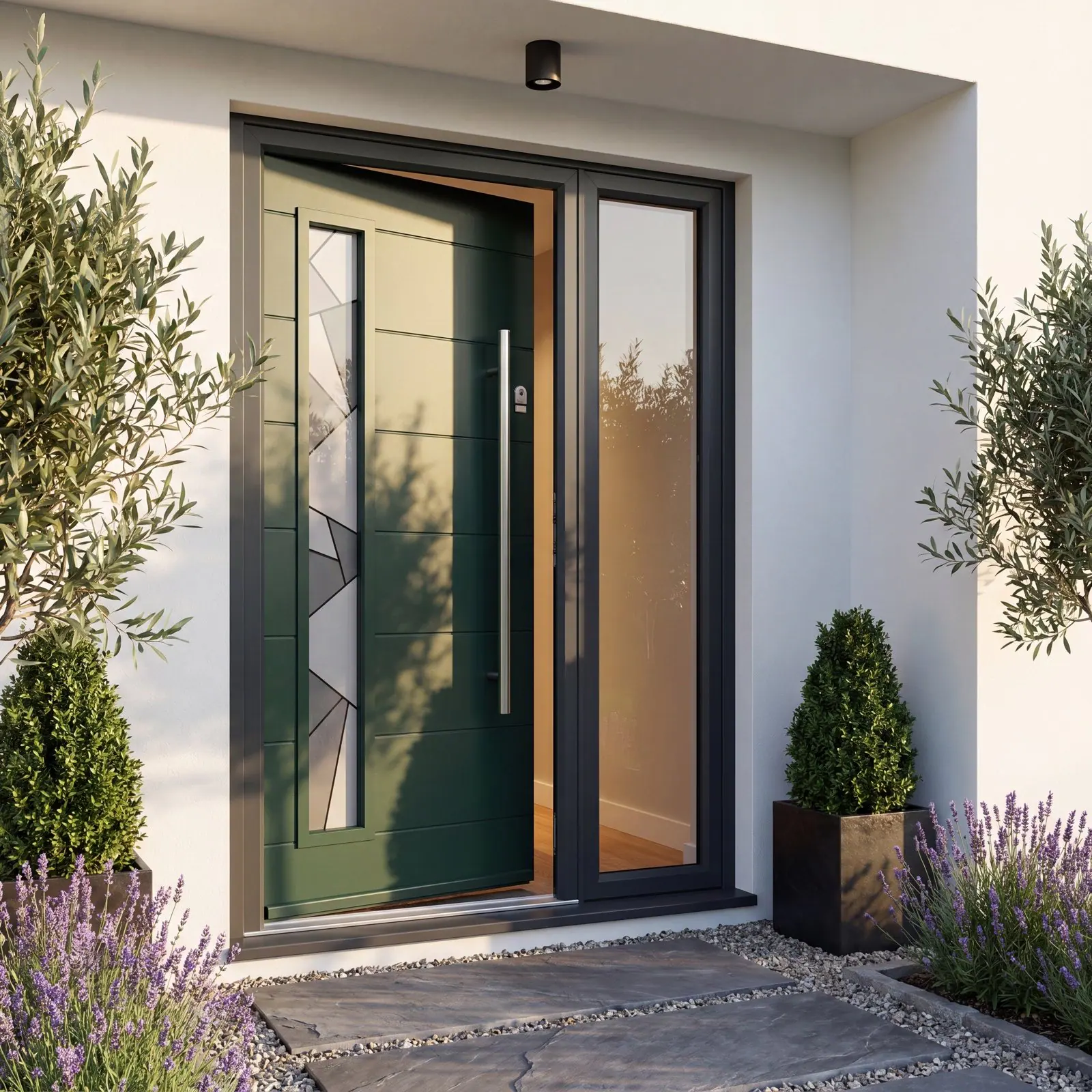
Your starting point
Explore style, colour, glazing and finishing touches. Then create your design and take it to your chosen YourDoor Trade Partner.
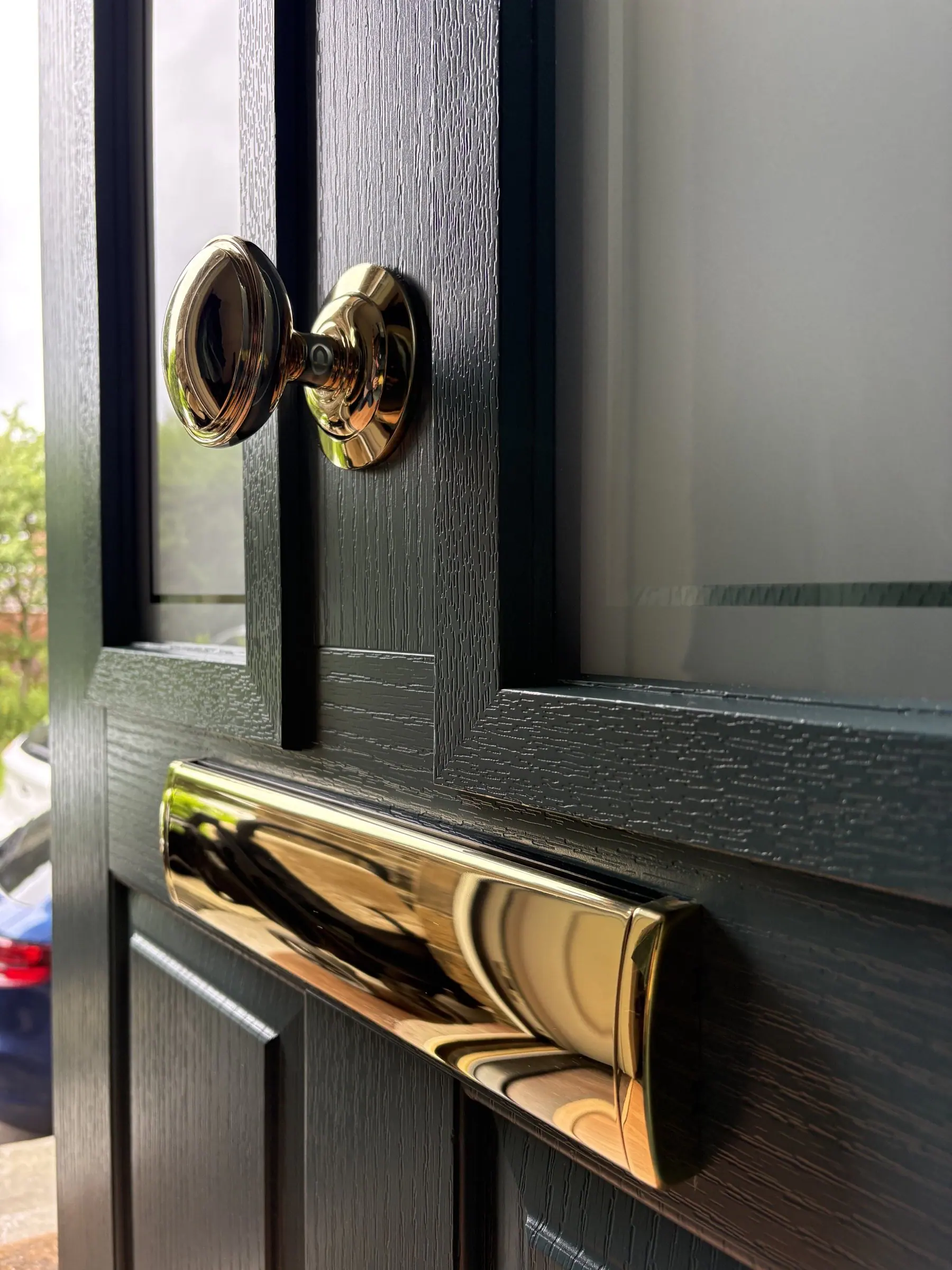
Before you begin
The designer lets you bring the main choices together and see how they work as one door. You do not need to know every technical detail—your installer will confirm the final specification with you.
Begin with the character of your home and the kind of entrance you want to create.
Explore colour, decorative glass and hardware to create a combination that feels right.
Your Trade Partner will help with surveying, practical advice, pricing and installation.
Your installer, your choice
Create your door, download the finished design PDF and send it directly to your existing Trade Partner for a quotation.
Start your design →Create your design, then ask us to introduce you to a local YourDoor Trade Partner.
Ask about a local Trade Partner →YourDoor designer
Work through the choices in the designer, then download your finished PDF to keep or share with your Trade Partner.
The designer opens over this page, giving you plenty of room to compare door styles, colours, glass and hardware. Close it whenever you are ready to return.
When you are finished, download the design PDF and send it to your existing YourDoor Trade Partner for a quotation.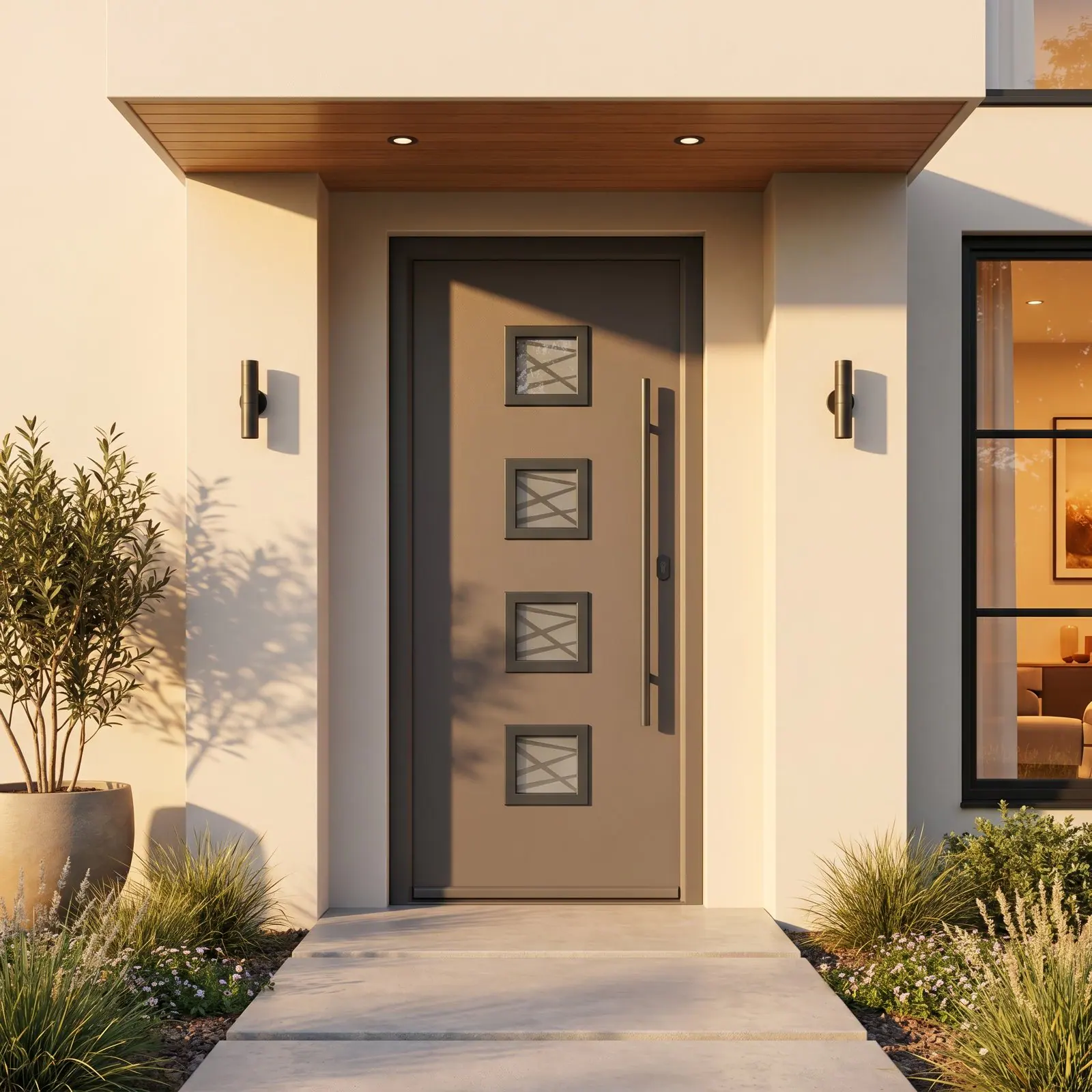
The design tool is provided by WindowCAD7. Final availability, measurements and specification are confirmed by your Trade Partner.
After designing
Your finished design is a visual starting point. Your Trade Partner will check measurements, availability and the final specification before providing a quotation.
Understand the next steps →